
Boost Your Mac’s Performance
Many users have the same problems with their systems like frequent crashes, slowdowns and want a simple way to make their Mac run faster and smoother and avoid getting hung up at a time when multiple tasks are running. Upgrading or replacing the RAM in your Mac not only improves speed but also fixes performance issues.
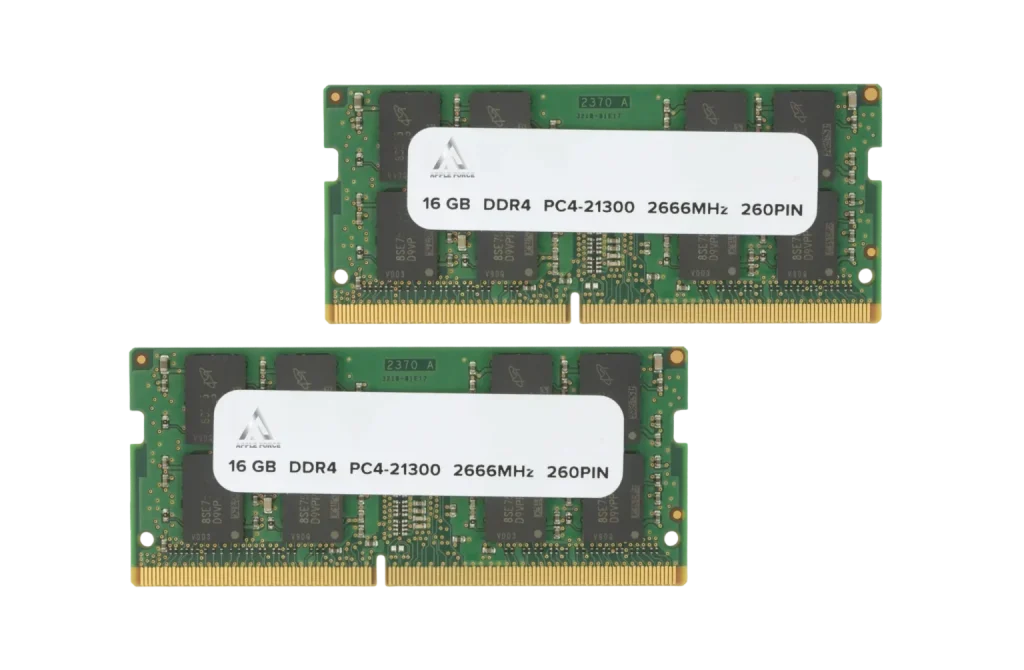
AppleShop Uganda team upgraded Mac RAM to boost speed and performance. Our experts check your Mac, suggest the best compatible upgrade, and install high-quality RAM for you. With our help, your Mac will run faster and handle multiple tasks without lag. Contact us for a quick Mac RAM installation!
Monday – Saturday: 09:00 AM – 08:00 PM
Sunday: Close.
We offer a straightforward process for MacBook repair and upgrade. With three simple steps, you can fix your MacOS’s unresponsiveness.
Come to our repair outlet, call, or WhatsApp for a consultation
We’ll check and install the new RAM module according to your device compatibility.
After that, we will test it and then return your device with the fastest speed for even multitasking.
If you have an unresponsive MacBook Air, make it faster and perform better with our MacBook RAM upgrade services. We provide the best MacBook Air memory boost to enhance your system for multitasking and minimize app loading time.
For MacBook Pro users, we provide high-quality RAM options according to their heavy business activities like video editing and graphic designing. Our technicians install the right RAM as the MacBook model to handle the workload.
Our Uganda Mac upgrade technicians identify the RAM slot as the correct module for your iMac memory. Then, provide a quick replacement to maintain your workflow, whether you use your iMac for work or entertainment.
Slow or unresponsive Mac Mini can be fixed with our affordable Apple memory expansion services. When you run multiple applications at once, it prevents the system’s freezes or crashes. Contact us now and boost your performance on Mac Mini.
There can be multiple reasons why you feel that your system needs more storage to deal with heavy-loaded applications and work smoothly without freezing. Maybe your MacBook is slow because of an old hard driv or it’s struggling with big files. Issues like a worn-out battery or a faulty logic board could also play a role—check out MacBook Battery Replacement or Logic Board Repair for those fixes. Here are the indications to identify: a full storage warning, lagging apps, or even a noisy fan that might need a Fan Replacement. If it’s running hot or has a broken keyboard, then it needs Keyboard Replacement.
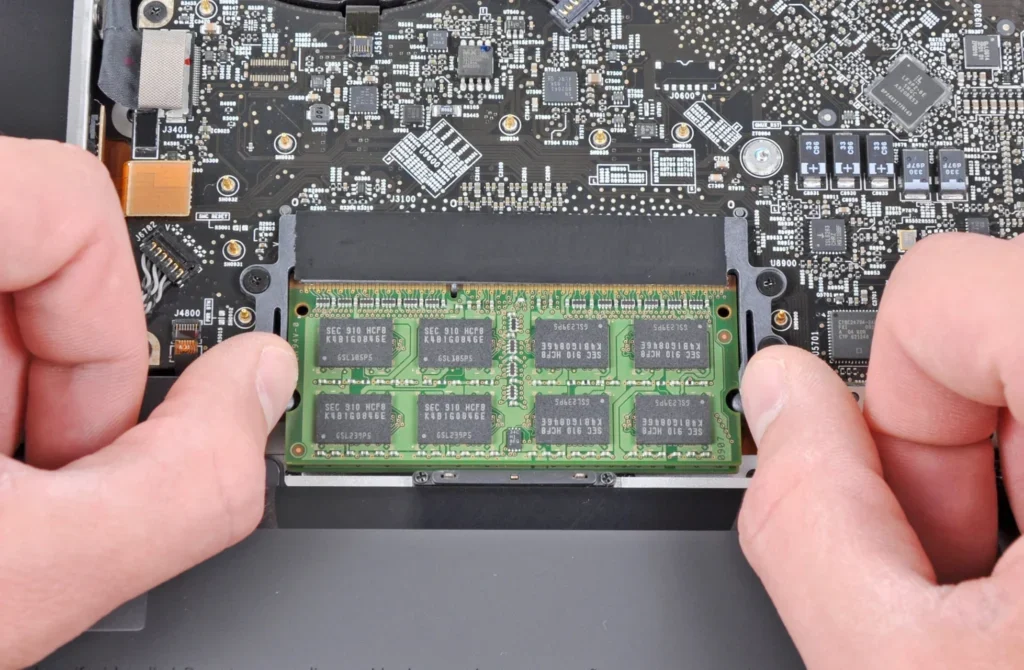
More RAM makes your Mac faster, stops crashes, and helps it run smoothly. Pair it with a SSD upgrade, and you’ll get even better speed and more storage for your files. It’s a simple and budget-friendly way to improve performance without buying a new Mac.
| Mac Model | RAM Capacity | Price Range (UGX) | Estimated Time |
|---|---|---|---|
| MacBook Air | Up to 16GB | 200,000 – 400,000 | 1 Hour |
| MacBook Pro | Up to 32GB | 500.000 – 700,000 | 1 Hour |
| iMac | Up to 64GB | 500,000 – 800,000 | 1–2 Hours |
| Mac Mini | Up to 32GB | 300,000 – 1115,000 | 1 Hour |
Note: Prices may vary based on your Mac model and existing configuration
It depends on the model. Many older iMacs, Mac Minis, and MacBooks allow RAM upgrades, but newer ones (especially with M-series chips) do not.
If your MacBook has upgradable RAM, you can upgrade it to 16GB or more, depending on the model. However, newer MacBooks with M-series chips have fixed RAM and cannot be upgraded.
If your Mac runs slow, crashes, freezes or struggles with multitasking, it may need more RAM. You can check RAM usage in the Activity Monitor under the “Memory” tab.
For everyday use, 8GB RAM is enough. If you do video editing, gaming, or heavy tasks, 16GB or 32GB RAM is better.
Yes, doing it yourself can save money, but it requires some skill. If done wrong, it may damage your Mac. Getting help from experts ensures safe installation.
You can upgrade RAM in older MacBooks (2012 and earlier), iMacs (before M1/M2 models), and Mac Minis. Newer Macs with M-series chips do not support RAM upgrades.
WhatsApp us
